MonthBar is now available on the Mac App Store! Download Free

Press Kit

Everything you need to write about MonthBar. Download brand assets, screenshots, and app information.

Download Press Kit (.zip)

Key Features

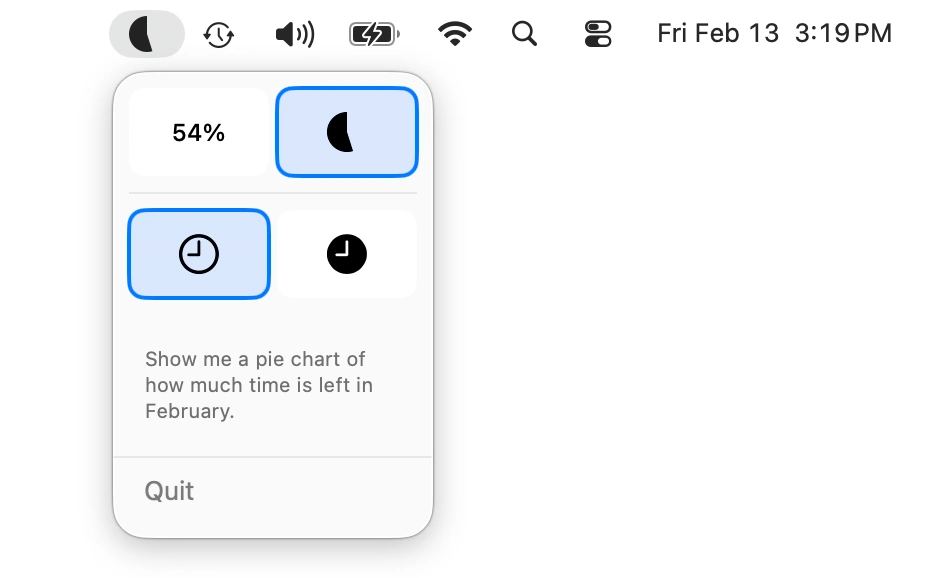
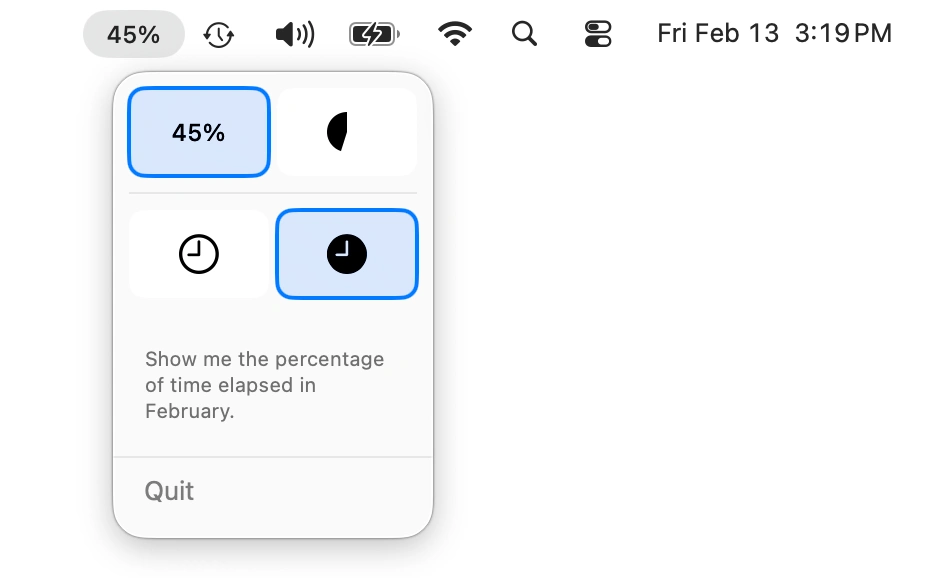
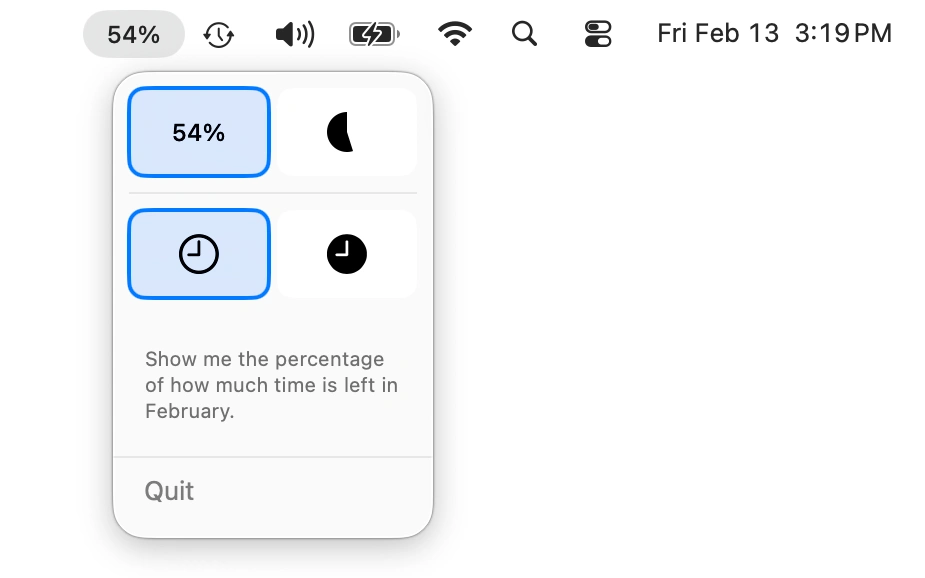
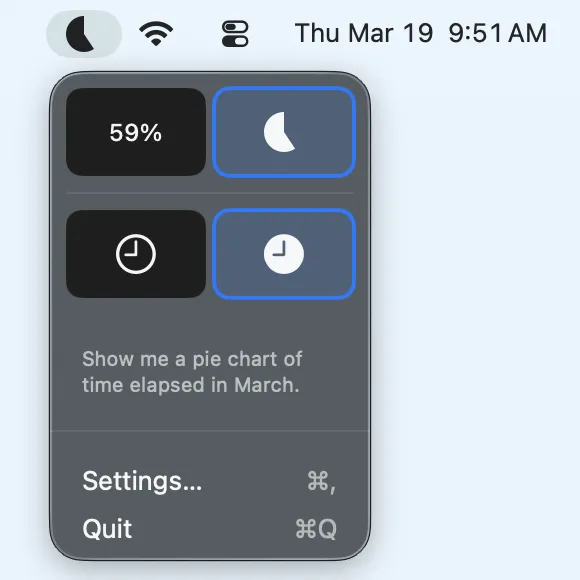
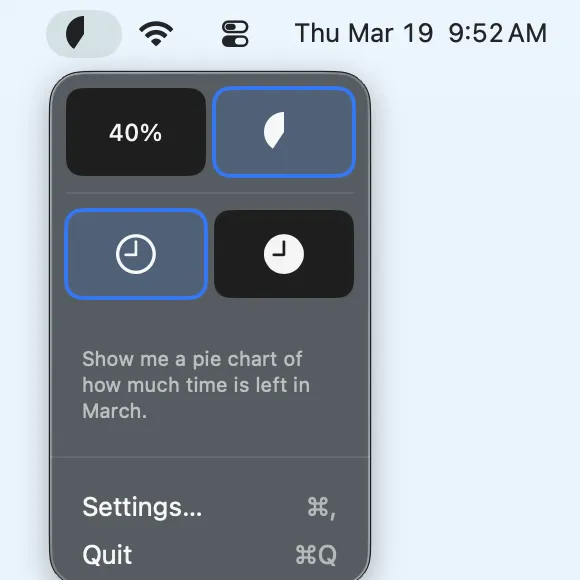
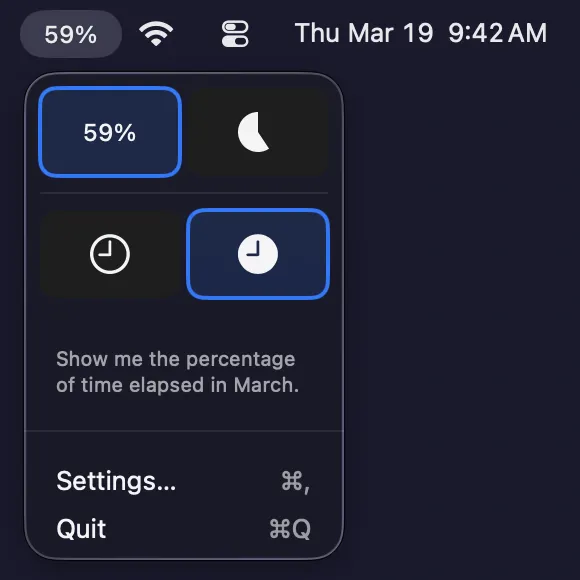
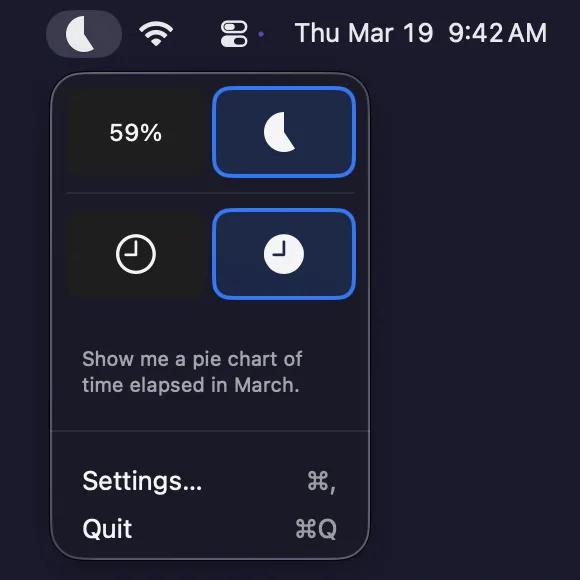
  • Pie Chart & Percentage Display

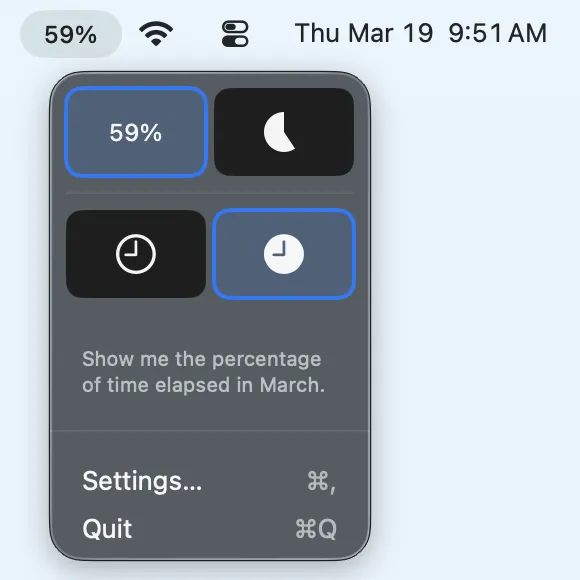
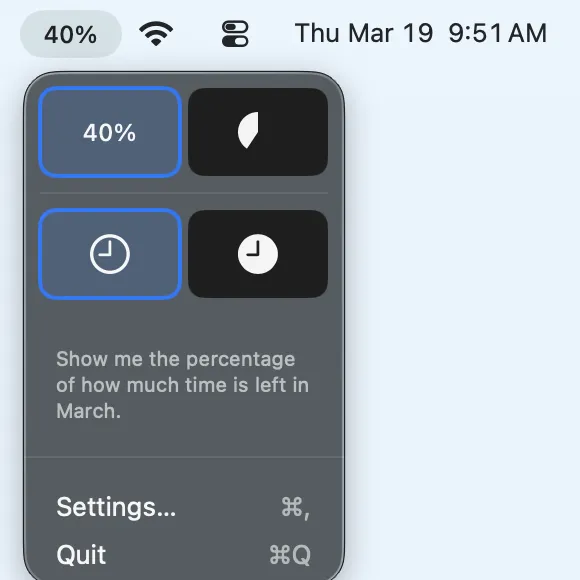
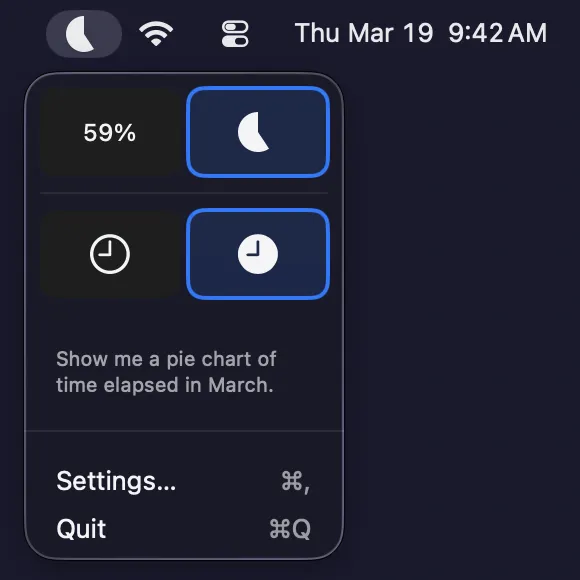
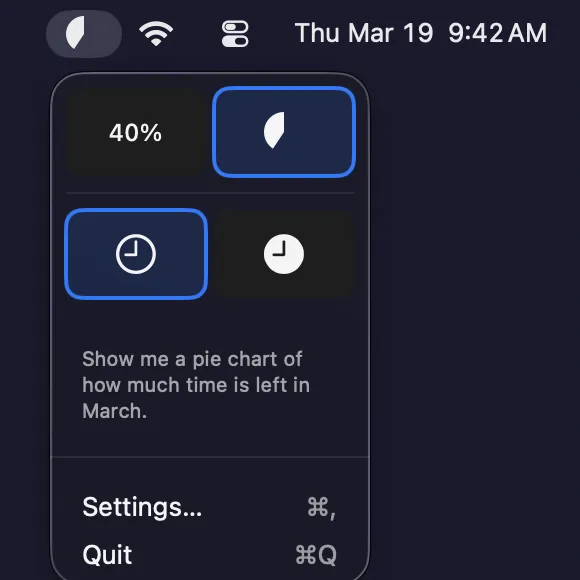
    Choose between a visual pie chart or numeric percentage in your MenuBar

  • Elapsed or Remaining Time

    Toggle between viewing how much of the month has passed or how much is left

  • Real-time Updates

    Progress updates automatically every 60 seconds with millisecond precision

  • MenuBar Native

    Lives in your MenuBar for constant, unobtrusive visibility

  • Privacy-First

    No network connection, no data collection, no accounts required

  • Lightweight & Local

    All settings stay on your device — nothing leaves your Mac

App Icons
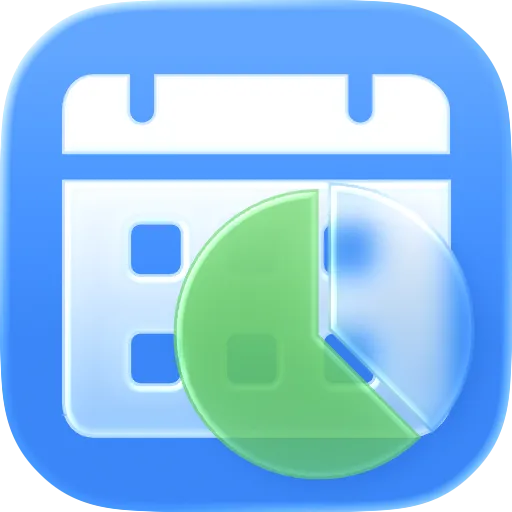
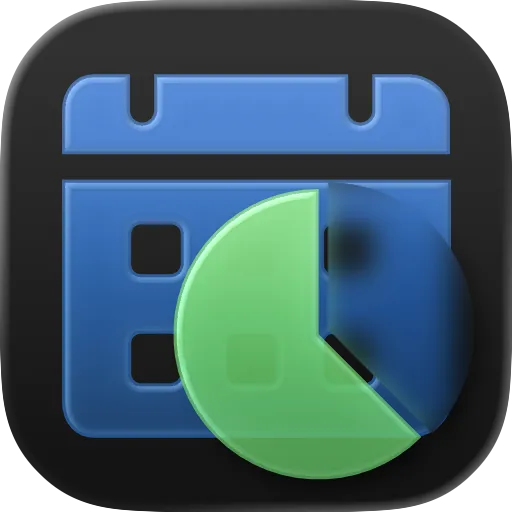
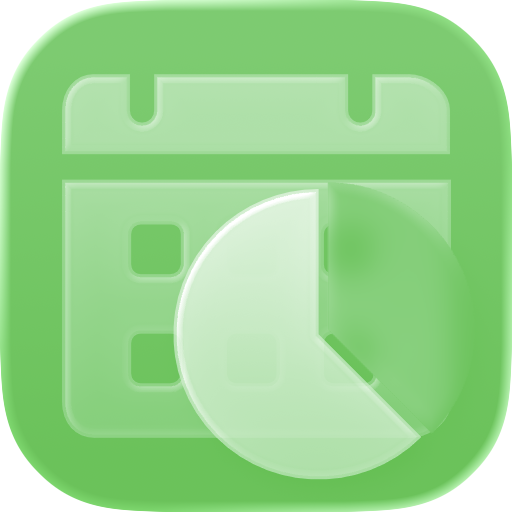
MonthBar App Icon — Automatic

Automatic

1024: PNG WebP 512: PNG WebP
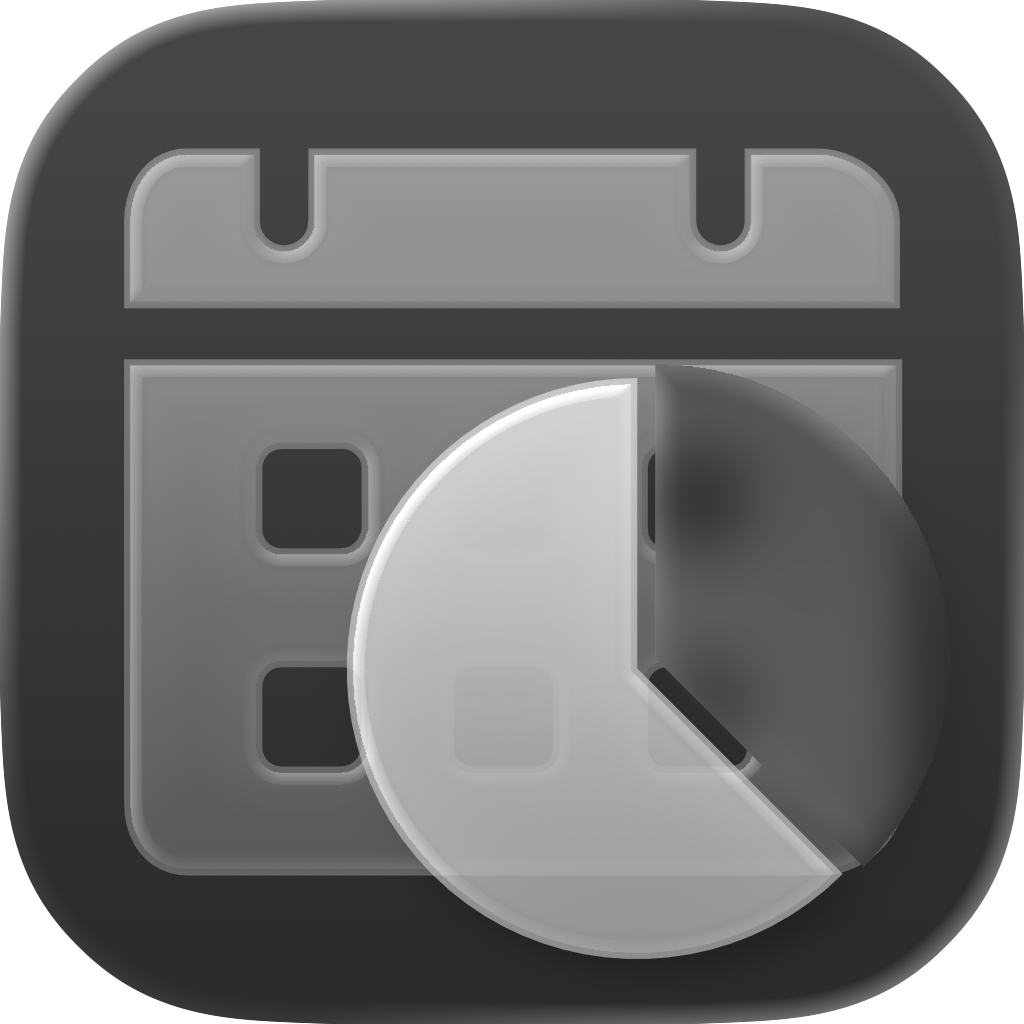
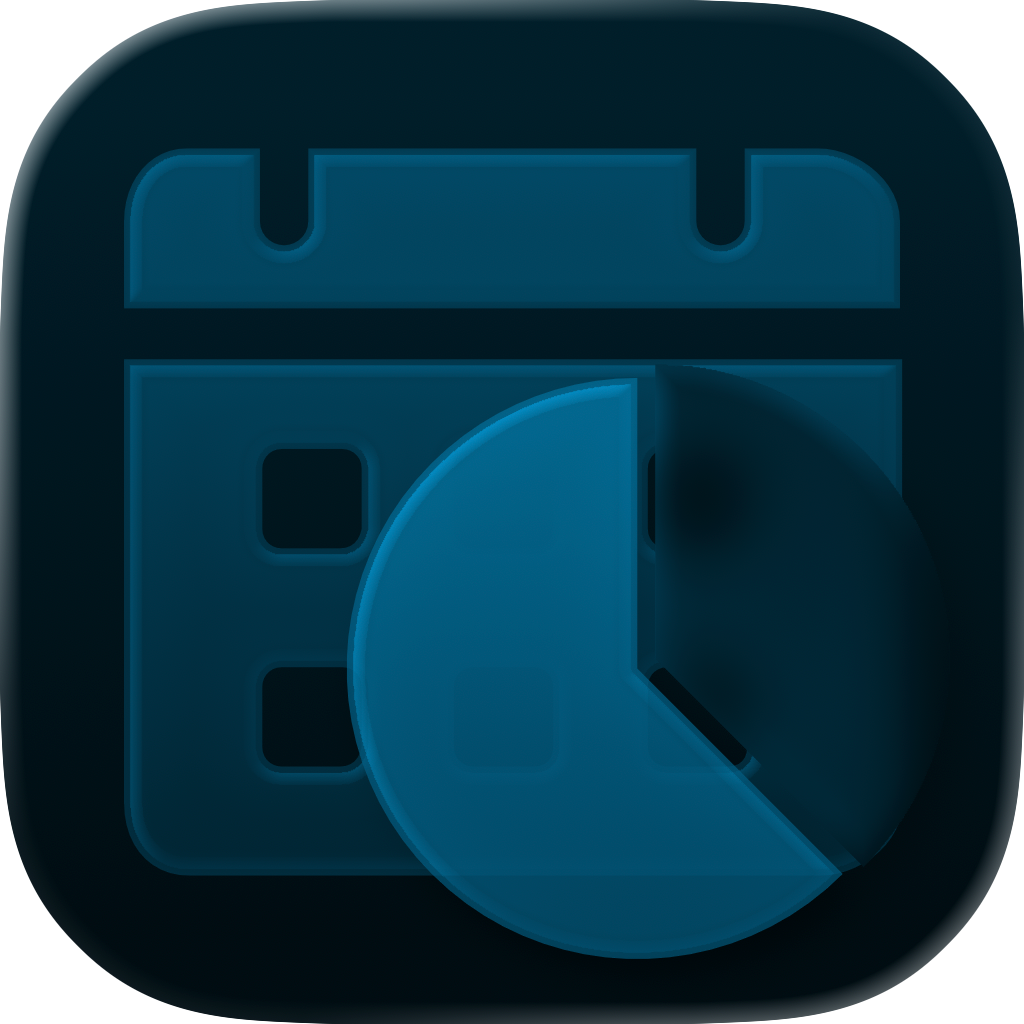
MonthBar App Icon — Dark

Dark

1024: PNG WebP 512: PNG WebP
MonthBar App Icon — Clear Light

Clear Light

1024: PNG WebP 512: PNG WebP
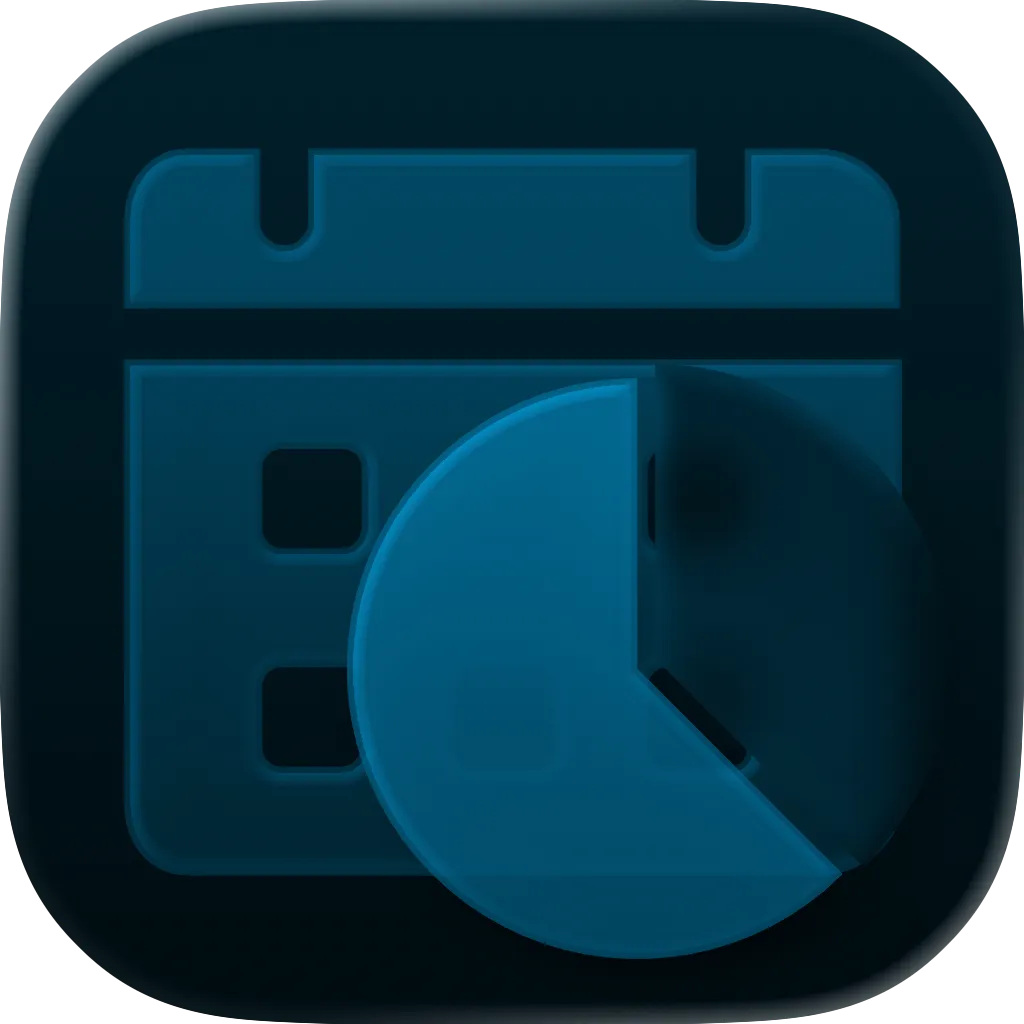
MonthBar App Icon — Clear Dark

Clear Dark

1024: PNG WebP 512: PNG WebP
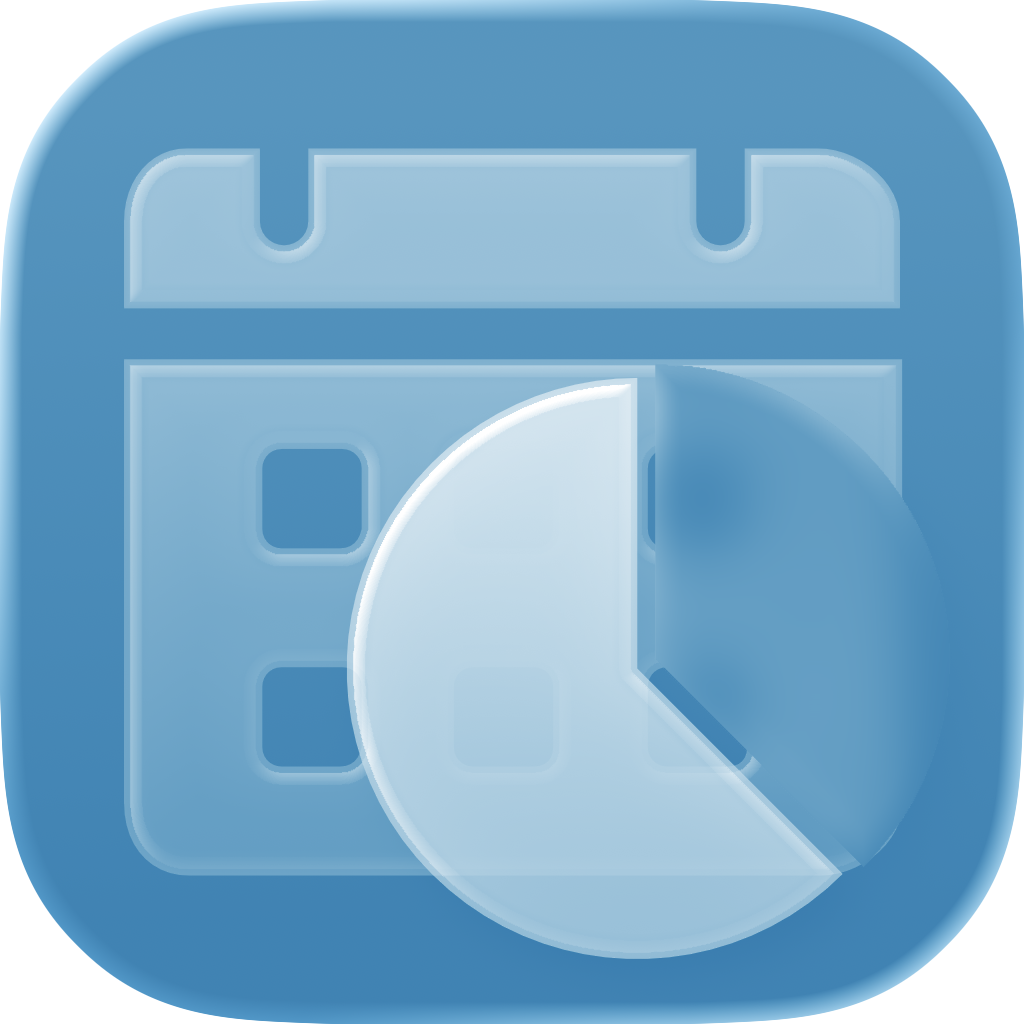
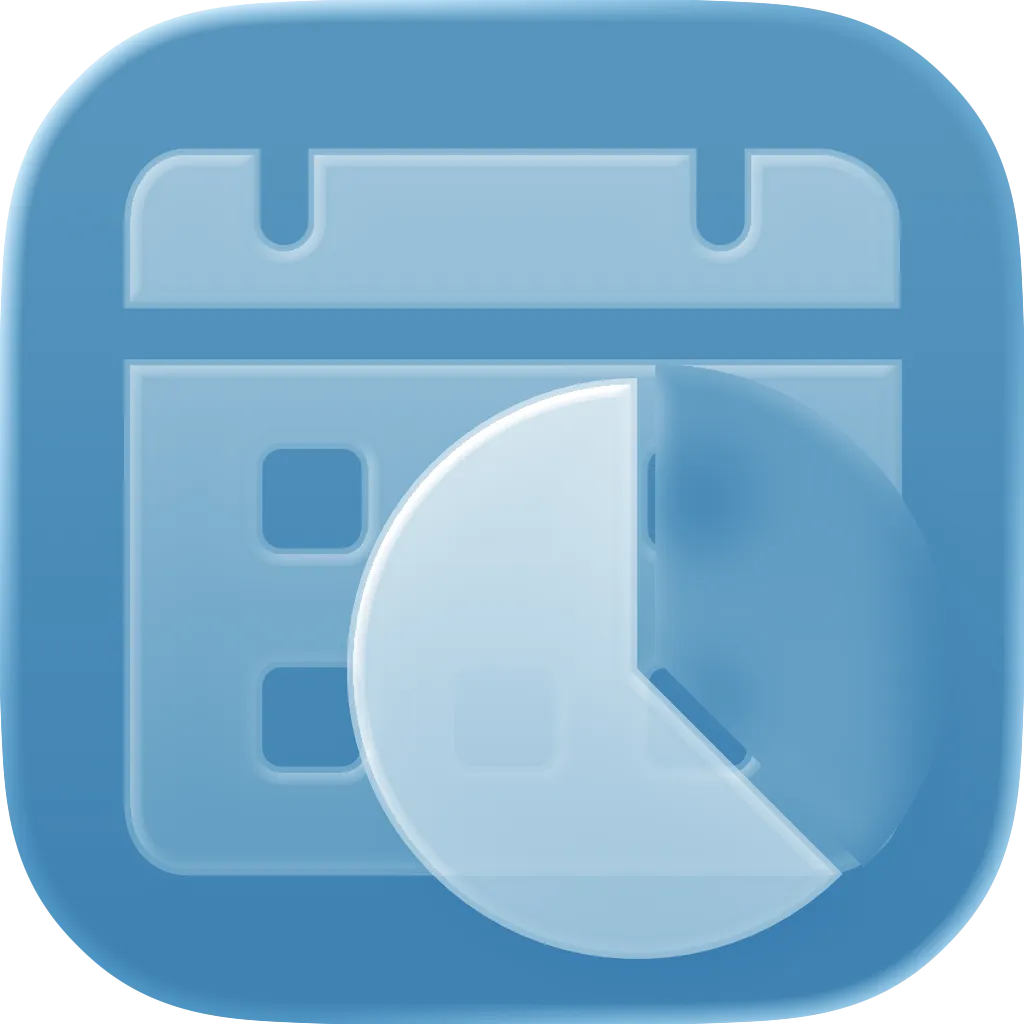
MonthBar App Icon — Tinted Light Blue

Tinted Light Blue

1024: PNG WebP 512: PNG WebP
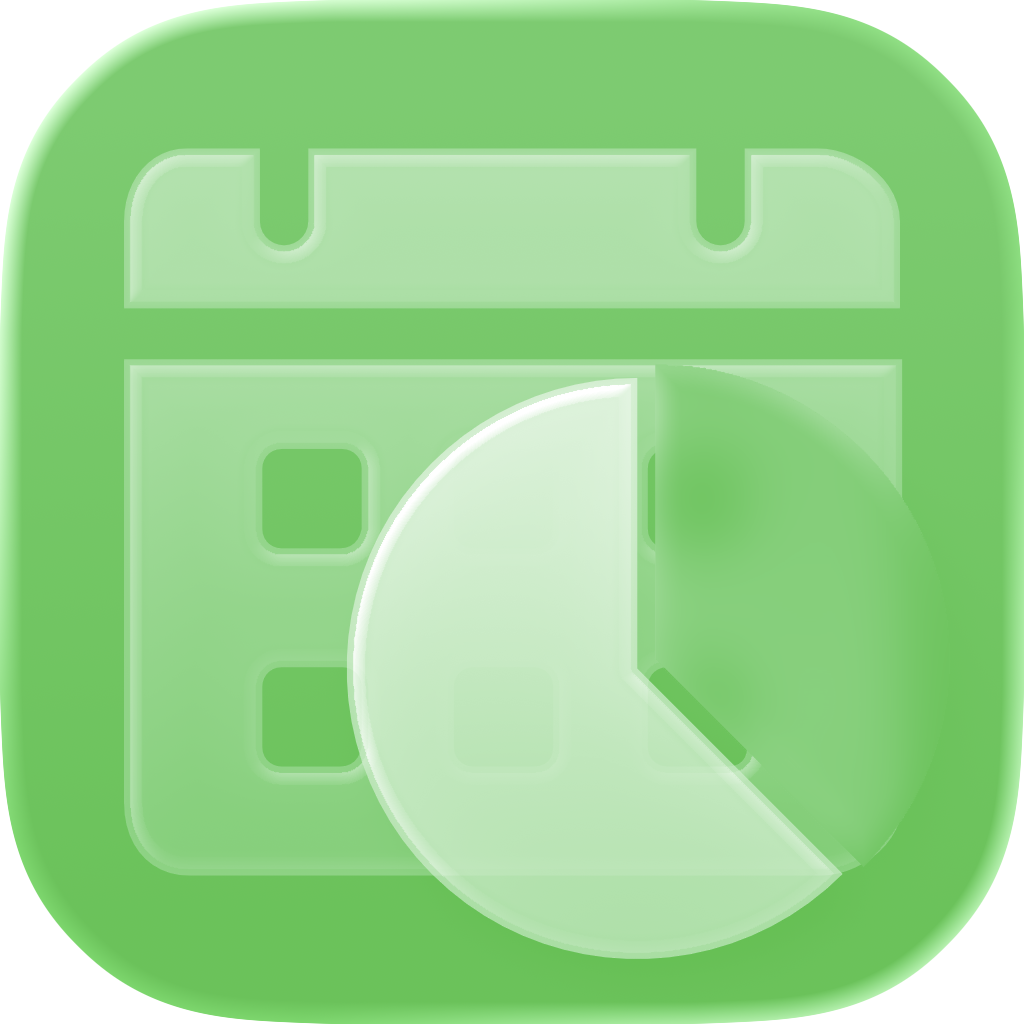
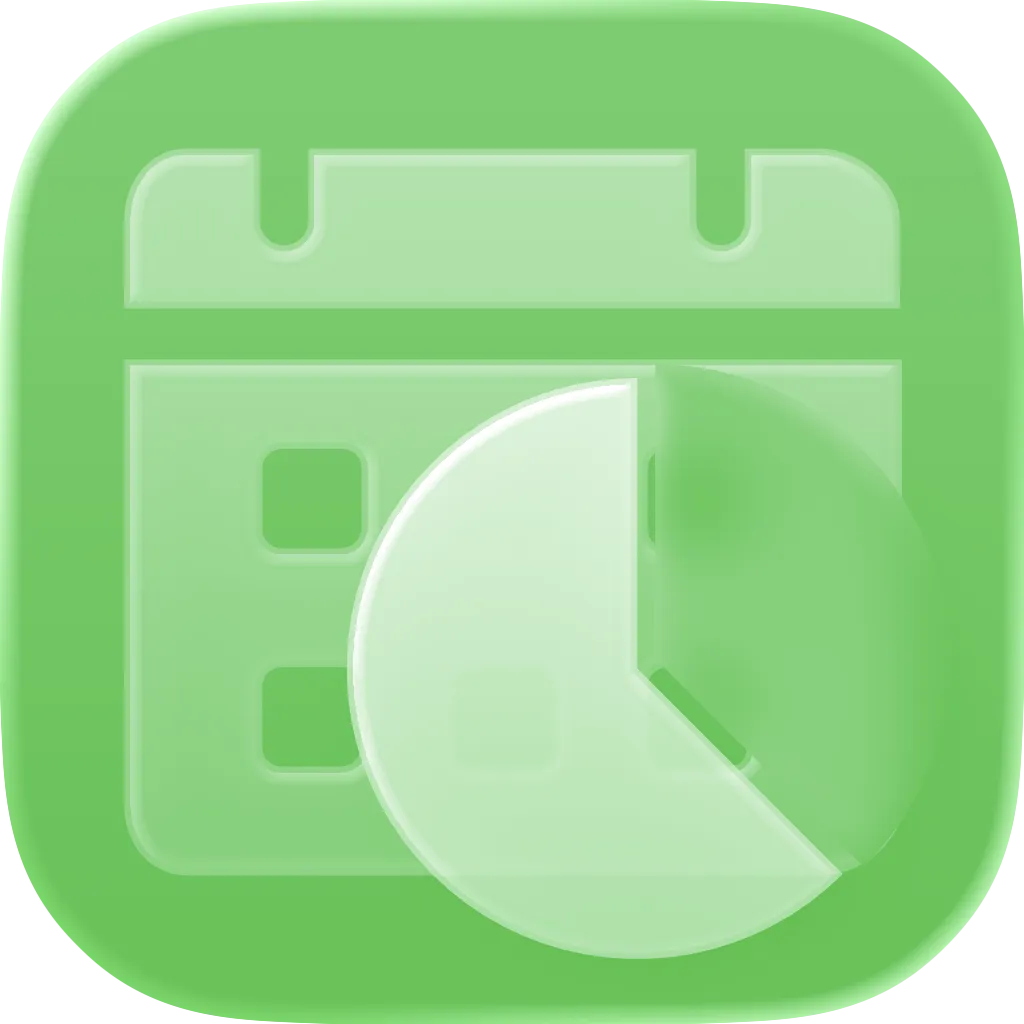
MonthBar App Icon — Tinted Light Green

Tinted Light Green

1024: PNG WebP 512: PNG WebP
MonthBar App Icon — Tinted Dark Blue

Tinted Dark Blue

1024: PNG WebP 512: PNG WebP
MonthBar App Icon — Tinted Dark Green

Tinted Dark Green

1024: PNG WebP 512: PNG WebP

Screenshots

Screenshots available in both light and dark mode variants.

Light Mode
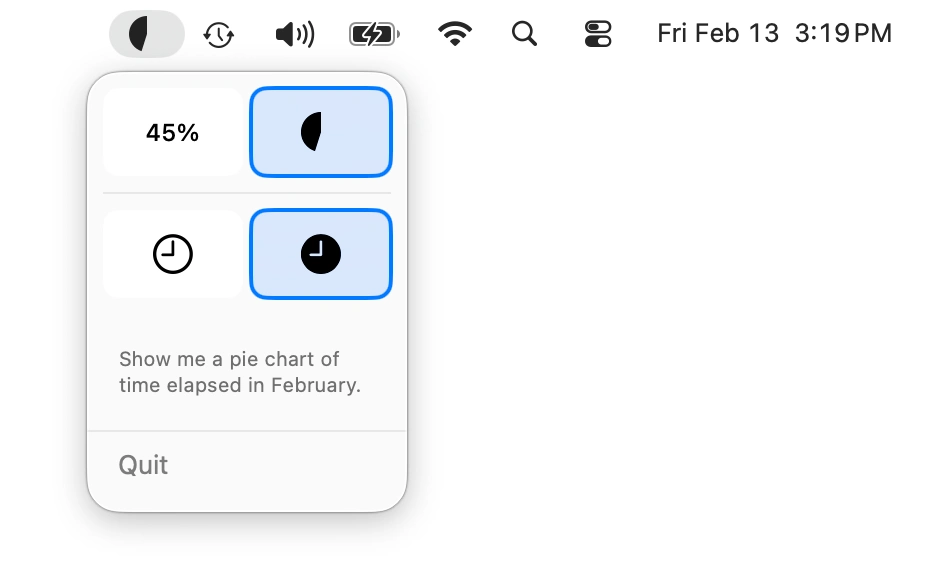
MonthBar light mode — Pie chart showing elapsed time
Pie chart showing elapsed time
MonthBar light mode — Pie chart showing remaining time
Pie chart showing remaining time
MonthBar light mode — Percentage showing elapsed time
Percentage showing elapsed time
MonthBar light mode — Percentage showing remaining time
Percentage showing remaining time
MonthBar light mode — Pie chart elapsed time with menu open
Pie chart elapsed time with menu open
MonthBar light mode — Pie chart remaining time with menu open
Pie chart remaining time with menu open
MonthBar light mode — Percentage elapsed time with menu open
Percentage elapsed time with menu open
MonthBar light mode — Percentage remaining time with menu open
Percentage remaining time with menu open

Dark Mode

MonthBar dark mode — Pie chart showing elapsed time
Pie chart showing elapsed time
MonthBar dark mode — Pie chart showing remaining time
Pie chart showing remaining time
MonthBar dark mode — Percentage showing elapsed time
Percentage showing elapsed time
MonthBar dark mode — Percentage showing remaining time
Percentage showing remaining time
MonthBar dark mode — Pie chart elapsed time with menu open
Pie chart elapsed time with menu open
MonthBar dark mode — Pie chart remaining time with menu open
Pie chart remaining time with menu open
MonthBar dark mode — Percentage elapsed time with menu open
Percentage elapsed time with menu open
MonthBar dark mode — Percentage remaining time with menu open
Percentage remaining time with menu open

App Description

Short Description

MonthBar is a minimal macOS MenuBar app that shows your monthly progress at a glance.

Long Description

Stay aware of how much of the month has passed with MonthBar, a minimal macOS MenuBar app that shows your monthly progress at a glance. MonthBar displays the current month's progress right in your MenuBar. Choose between a pie chart or percentage text display. Toggle between viewing remaining or elapsed time. MonthBar is a lightweight, privacy-first app — no network connection, no data collection, no accounts required. Settings stay local on your device. Perfect for monthly goal tracking, budget period awareness, project deadline visualization, and time management awareness. Native macOS app built with SwiftUI.

Fact Sheet

App Name
MonthBar
Developer
BrightDigit
Platform
macOS
Price
Free
Category
Productivity
Minimum OS
macOS 14.0 (Sonoma)
App Store
Mac App Store

Brand Guidelines

Colors

Dark Mode Blue

#0A84FF

Primary color in dark mode

Progress Green

#34C759

Tinted icon accent color (light & dark green variants)

Gray 900

#1d1d1f

Headings and primary text (light mode)

Gray 50

#f5f5f7

Page backgrounds (light mode)

Gray 400

#86868b

Secondary text

Gray 800

#2c2c2e

Card backgrounds (dark mode)

Typography

MonthBar uses the system font stack for a native feel:

-apple-system, BlinkMacSystemFont, "Segoe UI", Roboto, "Helvetica Neue", Arial, sans-serif

About the Developer

MonthBar is made by BrightDigit, an independent software studio founded by Leo Dion specializing in native Apple platform apps. BrightDigit focuses on building thoughtful, privacy-respecting tools for macOS and iOS.

About Me

Leo Dion is the founder of BrightDigit, a full-stack Swift development company he's been running since 2012. He specializes in end-to-end Swift solutions — from iOS, macOS, and watchOS to server-side Swift — and has shipped multiple App Store apps including Bushel (macOS virtualization for developers) and Heartwitch (Apple Watch health streaming).

Leo is an active open source contributor, hosts EmpowerApps.show, and has been speaking about Swift since its launch. He lives in Michigan with his wife Betsy and six kids.

Contact

For press inquiries, please reach out via email.

press@month.bar